Search Cranberry
What went wrong for Microsoft on Friday 13th?
The world of business seemingly lost all contact with their Microsoft Services earlier this month.
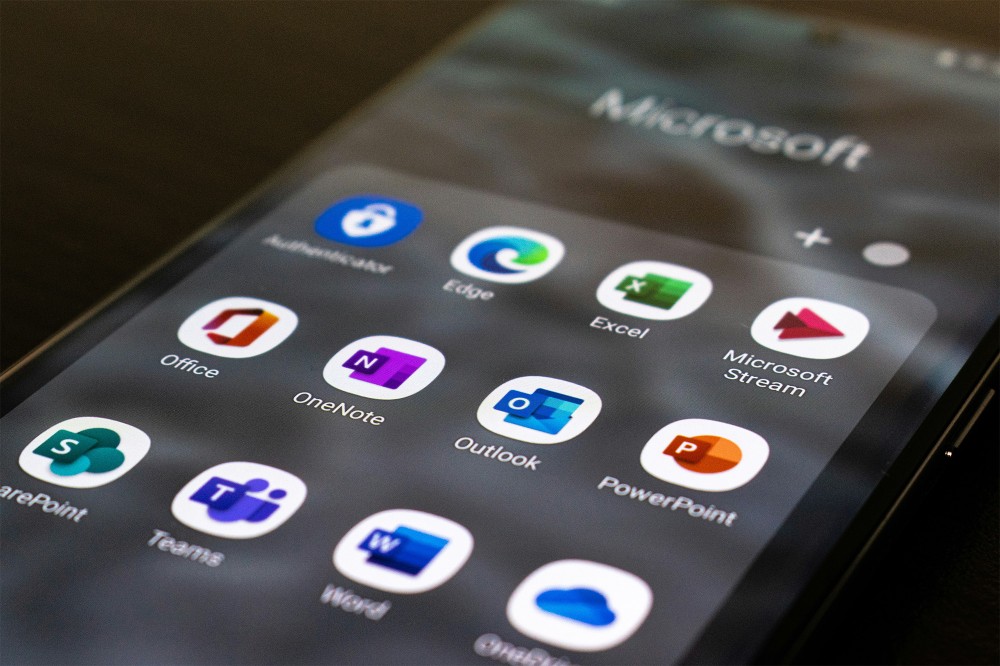

The incident, which began on Thursday 12th Evening UK time and persisted throughout Friday 13th heavily disrupted Exchange Online and Outlook across desktop, web, and mobile, alongside knock-on issues for Microsoft Teams, SharePoint, OneDrive, Copilot, and Defender. According to Microsoft’s post-incident updates, the outage was triggered by an underlying defect in their networking gateway servers combined with a traffic allocation change, rather than a cyberattack. Full service capacity has now been restored, and Microsoft’s extended 48-hour email retry window ensured that queued messages were delivered rather than lost.
Delayed emails arrived in large batches once the queues cleared, it is worth double-checking your Junk Email folders to make sure legitimate client messages were not accidentally filtered during the backlog.
As we warned in our previous post, major outages are prime hunting grounds for opportunistic scammers, and security researchers have already flagged a wave of follow-up phishing emails disguised as "Outage Notifications" or "Service Health" alerts. Please remain vigilant over the coming weeks: do not click links or enter your Microsoft 365 credentials on any unexpected emails or text messages claiming your mailbox needs to be re-verified or resynced. Genuine recovery from this incident happens entirely on Microsoft’s side and requires no password resets from you.
Events like Friday the 13th are a stark reminder of how heavily modern businesses rely on cloud infrastructure and why having a solid, secure business continuity plan matters. While no IT provider can prevent an upstream Microsoft outage, having pre-approved communication channels and clear protocols ensures your team can keep operating safely when the unexpected happens. If any of your systems are still misbehaving, or if you would like to review your team's contingency setup, get in touch with the Cranberry IT team, we are here to help, without the nonsense.